⚙️
Administrator
Responsible for managing document data, validating borrowing requests, updating transaction statuses, and managing document retention and disposal.
The Document Management System is a web-based application designed to help companies manage physical documents in a more structured way, from document registration and search to borrowing, returns, retention, and document disposal.
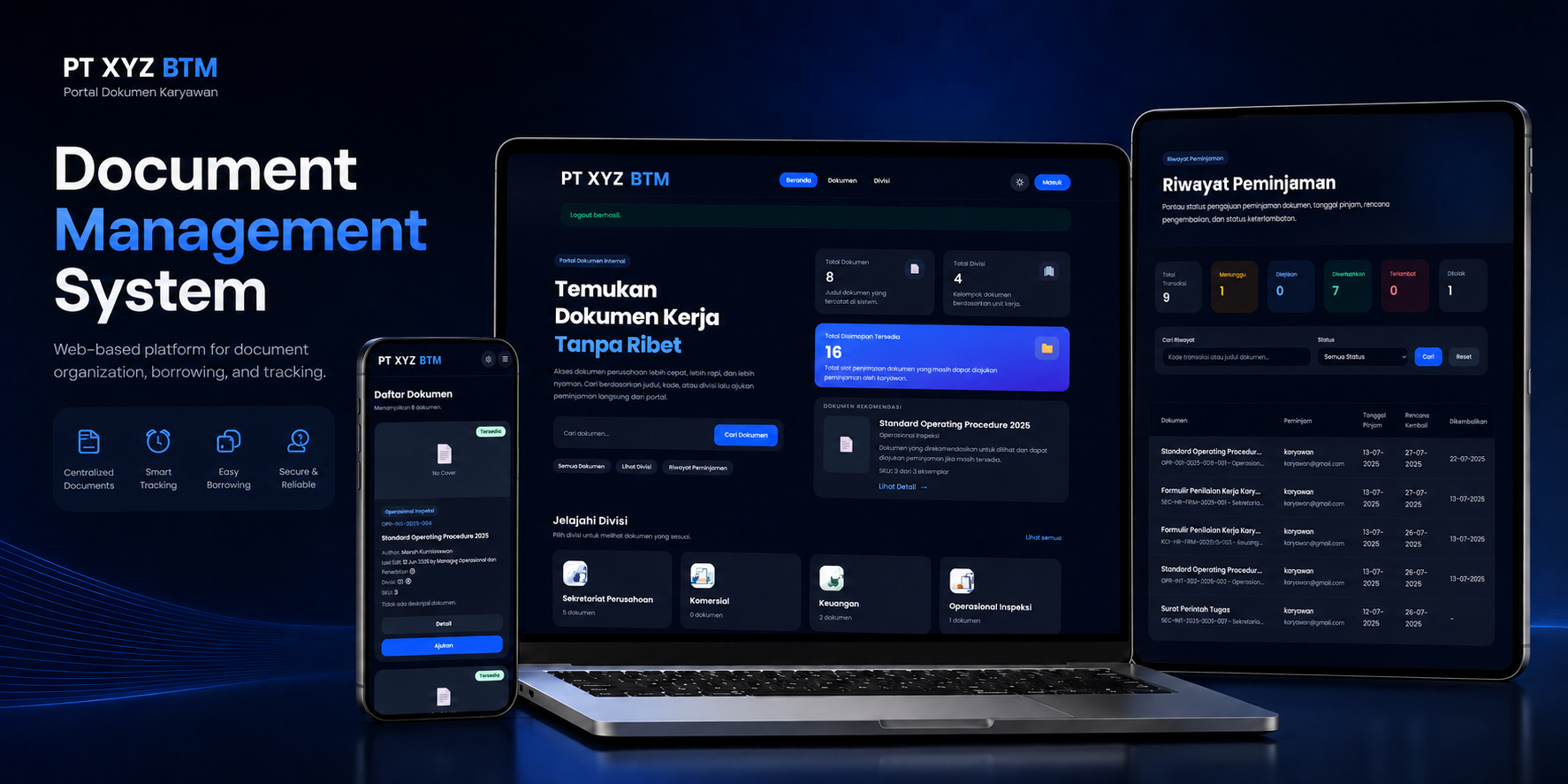
Add this image: document-cover.png
Project Overview
This system was developed because document recording and borrowing processes were previously handled manually. This made it difficult to locate documents, monitor stock, track borrowing activity, and manage documents that had exceeded their retention period.
User Roles
Responsible for managing document data, validating borrowing requests, updating transaction statuses, and managing document retention and disposal.
Can browse and search documents, submit borrowing requests, and monitor personal transaction statuses and borrowing history.
Main Features
These features are designed to support the complete physical document management lifecycle within the company.
Administrators can add, edit, view, search, and manage documents by division.
Documents can be searched by code, title, document type, and division.
Employees can submit borrowing requests for available documents through the system.
Administrators can approve or reject document borrowing requests.
The system calculates total copies, borrowed documents, and the remaining available stock.
Supports pending, borrowed, returned, overdue, and rejected transaction statuses.
Documents that exceed the five-year retention period are marked as ready for disposal.
The system stores the reason, date, notes, and history of disposed documents.
Development Process
Identify the requirements of administrators and employees.
Create the initial system and interface prototype.
Evaluate the prototype based on user requirements.
Develop the system and test its features.
Project Gallery
Explore the main interfaces of the Document Management System.
Drag the gallery or use the navigation buttons.
Explore More